Why Property Management Needs Patrol Proof
Property management is a trust business. Owners and residents pay fees on the promise of security and upkeep, yet the work happens at night, behind closed doors and in basements — exactly where nobody senior is watching. A supervisor can only be in one place at a time; across a portfolio of buildings, that gap multiplies.
Where Patrol Verification Pays Off
Not every corner needs a checkpoint. In residential and commercial property, verification concentrates where a missed round would be expensive or dangerous:
| Area | What is at risk | What verification proves |
|---|---|---|
| Fire exits, stairwells & plant rooms | Blocked exits, faulty equipment, fire risk | Safety rounds done on schedule, every shift |
| Lift lobbies & underground car parks | Theft, vandalism, loitering, poor lighting | Night rounds covered the trouble spots |
| Perimeter, gates & fences | Unauthorized entry after midnight | Perimeter walked and gates checked at set times |
| Vacant & under-renovation units | Squatting, theft of materials, unreported leaks | Units inspected on the agreed schedule |
| Cleaning & outsourced services | Paid but not delivered | Service rounds verified before invoicing |
The pattern: wherever the property company ultimately carries the blame, the record should exist in advance.
One System Across Several Properties
Property companies rarely manage a single site. The decisive advantage of a checkpoint-based guard tour system is that the infrastructure is passive: an iButton or RFID tag needs no wiring, no power and no network. Expanding coverage is a walk, not a construction project.
- Walk each property and mark the checkpoints: exits, plant rooms, lift lobbies, car park levels, perimeter gates.
- Fix the buttons or tags on site and register each one in the software with its location name.
- Define routes and schedules — night rounds, fire-exit rounds, renovation checks — and assign guards and reader units.
- Guards download data after each shift via a USB cradle, or upload automatically with an online reader.
- Managers review reports per property: completed rounds, missed points, exception times.
What Managers and Clients See
The software turns raw taps into management views:
- Completion per route and shift — done, partially done, or missed.
- Coverage of high-risk points — were the fire exits checked last night?
- Exception lists — which points were skipped, at what time, on whose shift.
- Trends over weeks — routes that keep failing usually point to a staffing or route-design problem, not a lazy guard.
For the owners’ committee or the developer, the same reports are the property company’s evidence of service: not a promise, a record. That matters at fee reviews, at contract renewals, and after incidents.
Hardware That Survives Property Realities
Property patrols run at night, in the rain, down stairwells and through car parks — and the same reader is handed from shift to shift. Hardware for this environment should be sealed to IP67, survive drops onto concrete, and read reliably after years of daily use.
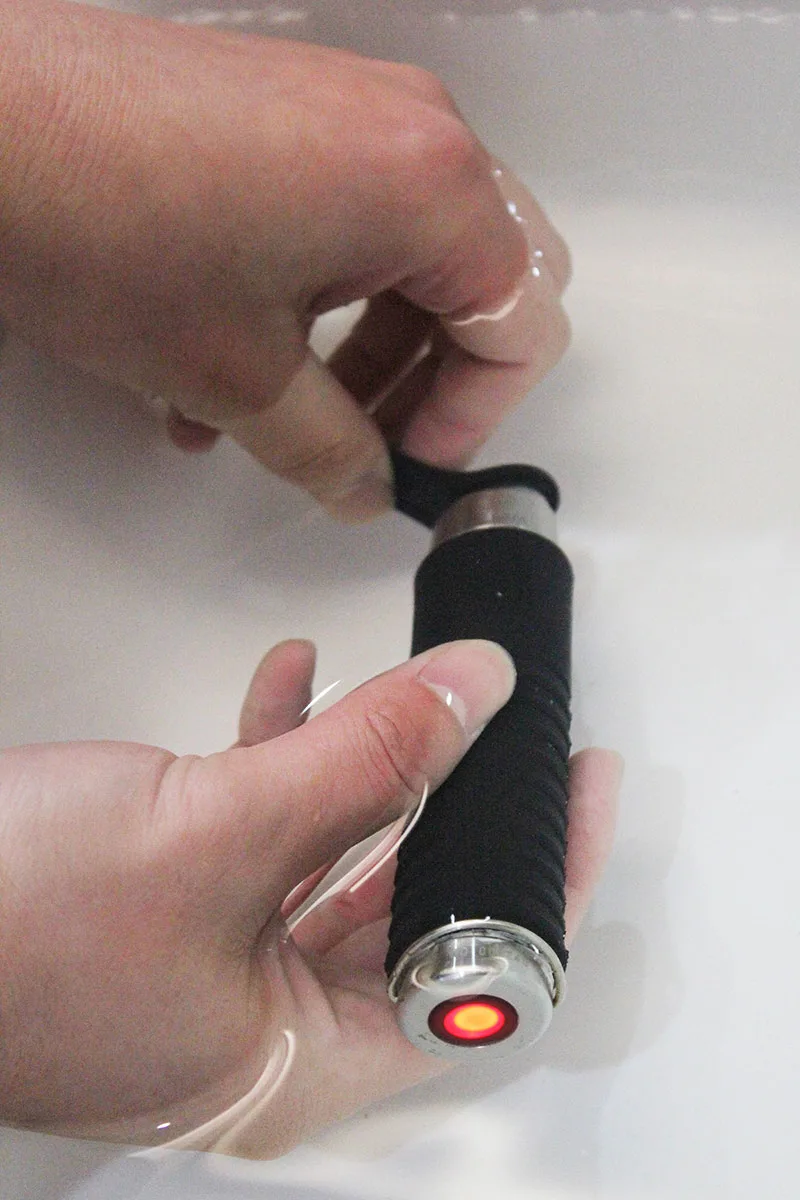
Between contact iButton and contactless RFID, both work in residential property: the iButton’s stainless-steel button is nearly indestructible and its read-only UID cannot be forged, which suits perimeter and outdoor points; RFID tags read without precise alignment, which suits high-frequency indoor rounds and gloved winter shifts.

How to Start in One Community
A typical first deployment is small and fast: 20–40 checkpoints across one community, one or two readers, reports from the first week. The TS-G300 is the waterproof contact iButton reader — stainless steel with a rubber shell — for perimeter and outdoor routes; the TS-G700 reads contactless RFID for high-frequency indoor rounds; and the TS-G400 is the rugged option for large sites. Send us a simple site sketch and we will help you place checkpoints and size the system.